Group randomizer · Roster workflow
Group randomizer: check your roster before making the draw
To randomize groups, paste one participant per line into the generator, check the participant count, choose the number of teams, and generate. Review the result before sharing it. Blank lines are ignored; repeated names count as separate entries.
Start with a roster you can recognize
A group randomizer can distribute the entries you give it, but it cannot tell whether two identical names belong to two people or whether you pasted one person twice. Give each participant a recognizable label. For a classroom or workshop, a first name plus an initial or a simple participant code is often enough. Avoid adding personal details that the activity does not need.
On this site, the random team generator also acts as a group randomizer. It shuffles your entries and distributes them across your chosen number of teams. This guide focuses on preparing and keeping one usable roster, rather than changing the size calculation.
A 12-person practice roster with two Alexes
We created this synthetic roster for the workflow: Alex R — P01, Alex S — P02, Casey — P03, Drew — P04, Jamie — P05, Jordan — P06, Morgan — P07, Quinn — P08, Riley — P09, Sam — P10, Taylor — P11, and Avery — P12. The two Alexes are different participants. The codes make it possible to distinguish them without exposing a real class list.
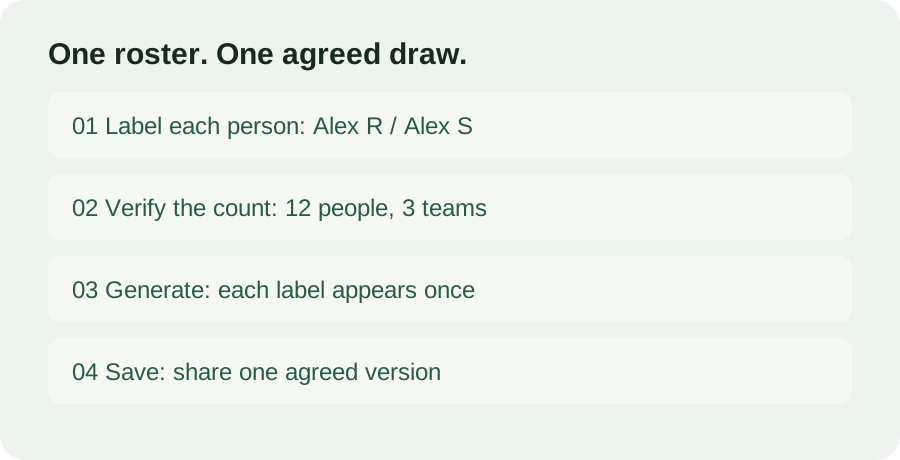
Download the 12-person practice roster and paste the entire file into the generator. Confirm that the counter reads twelve people. Set Number of teams to three. Before drawing, the preview should show three teams of four. Generate once and look for twelve entries across the three cards. Alex R and Alex S should both appear, each once.
Here is a deliberately constructed allocation for checking the roster, rather than an actual random result. Team 1 contains Alex R — P01, Drew — P04, Morgan — P07, and Sam — P10. Team 2 contains Alex S — P02, Jamie — P05, Quinn — P08, and Taylor — P11. Team 3 contains Casey — P03, Jordan — P06, Riley — P09, and Avery — P12. Every code from P01 to P12 appears exactly once. Your generated result will have different teammates; check the membership coverage, not whether it matches these illustrative teams.
Now try the roster preparation check. Add a blank line after Casey. The count should remain twelve. Add a second copy of Casey — P03 and the count should become thirteen. That is a separate input entry, not evidence of a thirteenth person. Remove the accidental copy from the input before sharing any draw. Editing the roster clears the previous results on this site, so make a fresh draw after the correction.
When the roster and result are ready, export TXT and label the saved file with your activity and date. If you choose Shuffle again, save the replacement result and make clear which version participants should follow. A saved earlier file does not update itself when you reshuffle. Keep one agreed version for the session to prevent two people following different assignment lists.
What we checked on this site
Using that synthetic file, we checked the twelve-entry count, the three groups of four, and that every original label appeared once. We also inserted blank lines and a repeated Casey entry to verify the counter behavior, then edited the input to confirm that the previous team cards and export links were cleared. Finally, we downloaded TXT and compared its members with the visible draw. These checks concern this generator's roster handling; they do not measure collaboration quality or learning outcomes.
Can a group randomizer keep two people apart?
This generator does not apply keep-apart rules or preferred partners. If your activity needs those conditions, decide them before assigning groups and use a method that supports them. A random result alone does not guarantee a suitable pairing, equal ability, attendance, or equal effort.
Does everyone need a different name?
Everyone needs a label you can distinguish. Two participants can share a first name, but adding an initial or code makes the result easier to use. The generator preserves repeated entries; it does not automatically remove them.
What if the group sizes are uneven?
Team sizes differ by at most one person when the roster does not divide evenly. Read the uneven groups guide for the complete size plan and capacity example. After choosing your draw, use a team worksheet or workshop discussion record to give the groups a clear task.